Validate WavetableLayer Production Path
Guide included in this package documentation set.
Modular wavetable synthesis for Vivid
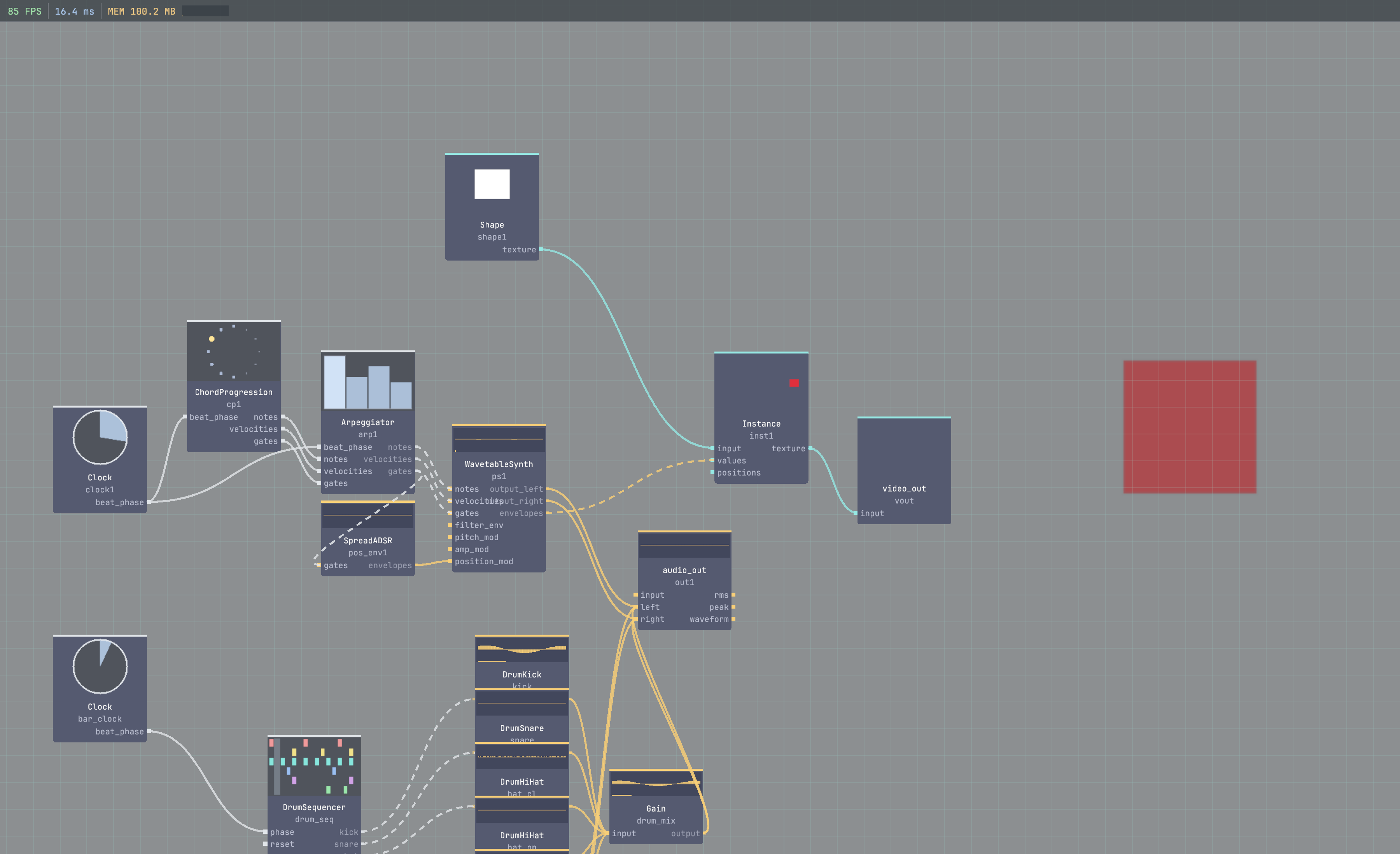
./build/vivid install https://github.com/seethroughlab/vivid-wavetable.git
Overview
vivid-wavetable is an audio-first modular wavetable synthesis package for Vivid.
The maintained package surface now follows the native-note model:
notes_outnotes_inNoteBreakout exposes shared per-voice control lanes when a graph needs envelopes, keytracking, or layered coordination
voices_out) and FM/PM/RM/AM cross-modulation (mod_input + interaction_mode). Existing references are grandfathered (see tests/cpp/test_no_new_wavetable_osc_in_graphs.cpp); new graphs default to WavetableLayer. Use this only when a patch specifically needs voices_out per-voice routing through VoiceMixer/VoiceDrive, or oscillator interaction.AnalogOsc, SubOsc, and NoiseLayersrc/ — operator source filesmodules/ — instrument-facing subgraph modulesassets/wavetables/ — factory wavetable wav filesfactory_presets/ — per-operator factory presetsgraphs/core/ — core smoke graphs and integration fixturesgraphs/presets/ — curated showcase graphstests/ — package testsarchive/ — frozen historical contentFrom vivid-core:
./build/vivid link ../vivid-wavetable
./build/vivid rebuild vivid-wavetable
If you are new to the package, start with the maintained native-note path.
For listening-oriented validation, use
docs/wavetable-operator-validation-guide.md.
Create:
ClockAu as clockChordProgressionAu as chordsWavetableLayer as wtaudio_out as outConnect:
clock/beat_phase -> chords/beat_phase
chords/notes_out -> wt/notes_in
wt/output -> out/input
Recommended starting params:
clock/bpm = 96wt/amplitude = 0.25wt/wavetable_family = AnalogWarmwt/wavetable_member = Corewt/position = 0.35wt/unison_voices = 2wt/unison_spread = 12What this does musically:
ChordProgressionAu creates the note streamWavetableLayer allocates voices internally and renders stereo directlyCreate:
NoteBreakout as voice_breakoutEnvelopeAu as amp_envConnect:
chords/notes_out -> voice_breakout/notes_in
voice_breakout/voice_gates -> amp_env/gate
voice_breakout/voice_ids -> amp_env/lane_ids
amp_env/value -> wt/voice_gain_audio
Recommended starting params:
amp_env/attack = 0.01amp_env/decay = 0.25amp_env/sustain = 0.70amp_env/release = 0.40What this does musically:
NoteBreakout keeps one shared per-voice control view of the note streamEnvelopeAu shapes each note independentlyWavetableLayer still handles the actual audio rendering and stereo sumCreate:
Filter as filterEnvelopeAu as filt_envRewire:
wt/output -> filter/input
filter/output -> out/input
voice_breakout/voice_freqs -> filter/frequencies
voice_breakout/voice_gates -> filt_env/gate
voice_breakout/voice_ids -> filt_env/lane_ids
filt_env/value -> filter/cutoff_mod
Recommended starting params:
filter/mode = LowPassfilter/cutoff = 2200filter/resonance = 0.18filt_env/attack = 0.02filt_env/decay = 0.50filt_env/sustain = 0.20filt_env/release = 0.35What this does musically:
voice_freqs gives the filter a per-note keytracking referenceFor layered instruments, send the same note stream to additional synths and keep one shared NoteBreakout for control lanes.
Typical pattern:
chords/notes_out -> analog/notes_in
chords/notes_out -> sub/notes_in
analog/voices_out -> mix_analog/input
sub/voices_out -> mix_sub/input
amp_env/value -> mix_analog/amp_env_audio
amp_env/value -> mix_sub/amp_env_audio
voice_breakout/voice_velocities -> mix_analog/velocities
voice_breakout/voice_velocities -> mix_sub/velocities
Use VoiceMixer only for auxiliary per-voice audio reduction. WavetableLayer itself does not need a VoiceMixer.
If you specifically need oscillator interaction modes or feedback-style warp behavior that WavetableLayer excludes, use:
WavetableOsc + VoiceMixerThat is an advanced legacy surface, not the default production path.
graphs/core/wavetable_layer_filter_integration.json — minimal notes_in + NoteBreakout articulation pathgraphs/core/wavetable_modular_demo.json — two synths coordinated by one shared NoteBreakoutmodules/layer_pad.vivid-module.json — canonical single-layer instrument modulemodules/hybrid_keys.vivid-module.json — layered wavetable + analog instrument with shared control lanesFor maintained docs and concrete references:
LayerPad — recommended single-layer production voice built on WavetableLayerDualWavetablePad — dual-layer module with shared NoteBreakout controlHybridKeys — WavetableLayer plus analog support layer with shared articulationSubAirPad — WavetableLayer plus sub and air layersGlassInteractionKeys — advanced legacy interaction-focused moduleNew production content should use WavetableLayer, NoteBreakout, and the maintained Layer-based modules. Use raw WavetableOsc + VoiceMixer only when you need excluded legacy interaction features.
Guides
Guide included in this package documentation set.
Guide included in this package documentation set.
Guide included in this package documentation set.
Operators
Source-derived documentation for Wavetable Osc.
Source-derived documentation for Wavetable Layer.
Reduces per-voice audio channels to stereo with envelope, pan, velocity, and optional glue shaping.
Polyphonic per-voice soft drive for body, glue, and controlled harmonic density.
Polyphonic sub oscillator for reinforcing each active voice below the main pitch.
Polyphonic virtual analog oscillator with anti-aliased classic waveforms.
Polyphonic per-voice noise source for air, breath, and transient detail.